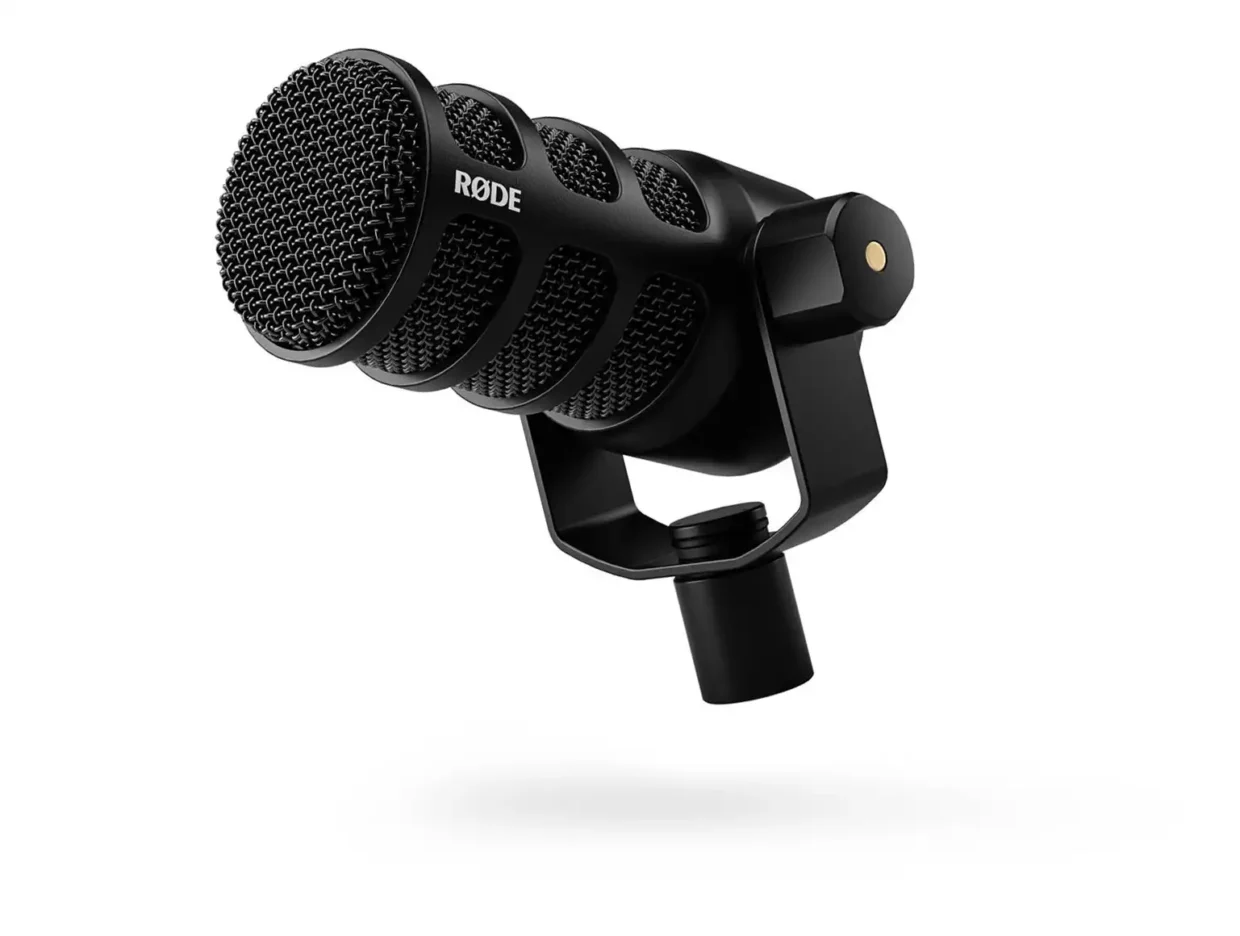
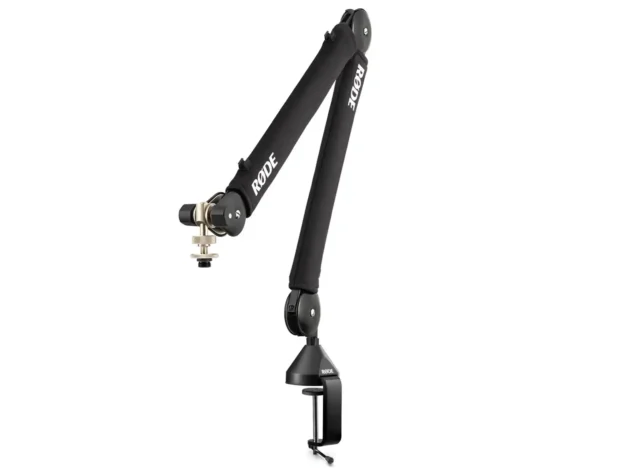
The RØDE PodMic USB is a broadcast-style dynamic microphone designed for podcasts, voiceovers, streaming and studio recording. It connects via XLR or directly over USB-C, with onboard APHEX processing and zero-latency headphone monitoring. Supplied with two RØDE PSA1+ professional studio arms, the kit provides flexible, quiet microphone positioning for desk-based recording setups.
Overview
- Broadcast-quality dynamic microphone optimised for speech and voice recording.
- Dual XLR and USB-C connectivity, allowing use with mixers and interfaces or direct connection to a computer or mobile device.
- Built-in Revolution Preamp for high-gain, low-noise USB recording.
- Onboard APHEX processing, including compressor, noise gate, high-pass filter, Aural Exciter and Big Bottom.
- Integrated 3.5mm headphone output with zero-latency monitoring and level control.
- Internal pop filter and shock mounting help reduce plosives and handling or desk vibration.
- Supplied with a RØDE PSA1+ professional studio arm for flexible desk-mounted positioning.
- PSA1+ arms provide up to 940mm horizontal reach, full 360° rotation and integrated cable management.
Use Cases
- Podcasts and interview-style recordings from a desk or studio setup.
- Voiceover, streaming, and presenter recording where the microphone needs to stay close to the speaker without taking up desk space.
- Portable podcast or content setups that can connect directly to a laptop, tablet or phone without a separate audio interface.
1x Rode Pop Filter for PodMic
1x Rode PSA1+ Professional Studio Arm
1x USB 3.0 Cable (Type-C to Type-C)
Work close to the microphone.
RØDE recommend positioning the PodMic USB roughly 5-10cm from the mouth. Its cardioid pattern is designed to reject more sound from the sides and rear when used this way.
Use USB when you need a simple setup.
Direct USB-C connection gives you the onboard preamp, APHEX processing and headphone monitoring without needing a separate interface.
Use XLR for larger audio setups.
If you are feeding a RØDECaster, mixer or production audio interface, the XLR output lets the PodMic work like a conventional broadcast microphone.
Monitor directly from the mic when using USB.
Plug headphones into the PodMic USB rather than the computer when you want zero-latency monitoring while recording.
Start with minimal DSP.
The built-in compressor, noise gate and APHEX processing can quickly polish speech, but start gently. Heavy processing at the recording stage gives you less flexibility later.
Let the PSA1+ handle positioning.
The arm’s parallelogram design keeps the microphone orientation relatively consistent as it moves, making it easy to bring the mic closer when recording and push it away between takes.
Use the arm’s cable management.
Both USB and XLR cables can be routed through the PSA1+ cable channels, helping keep the recording area tidy and reducing the chance of cables catching as the microphone moves.
Clamp to a solid surface.
Desk vibration can still travel into a microphone setup, so mount the PSA1+ to a rigid desk or table and avoid placing it directly beside equipment that produces significant vibration.